
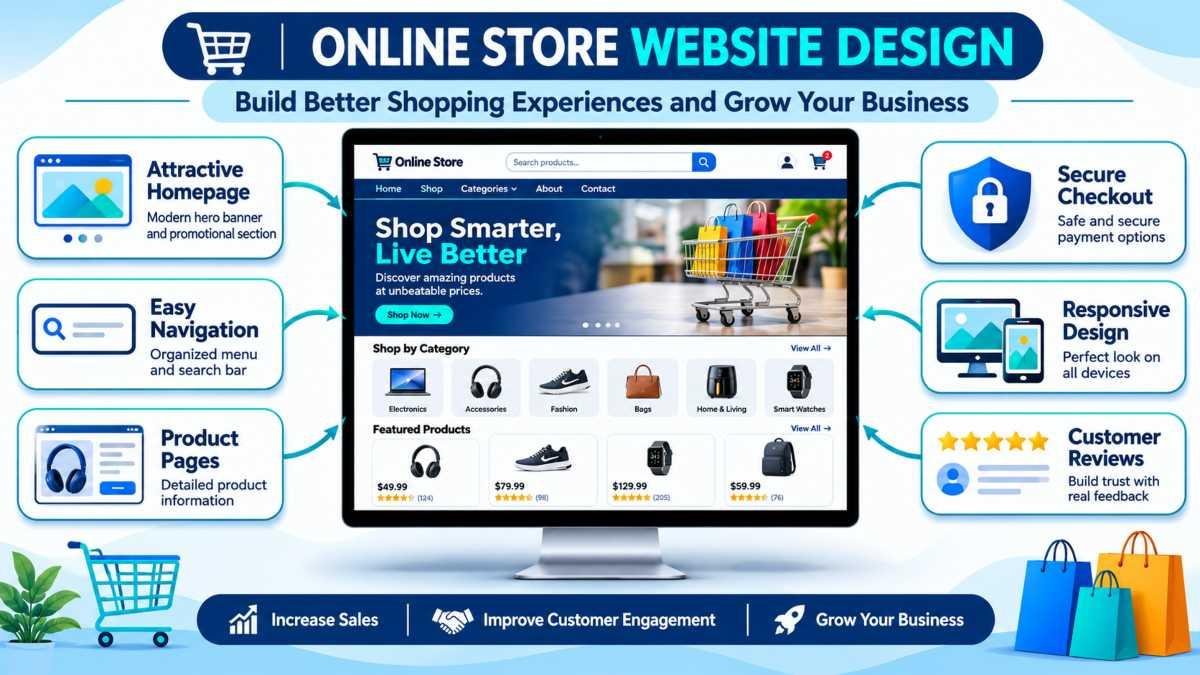
Modern Online Store Website Design: Essential Elements for a Successful E-Commerce Business

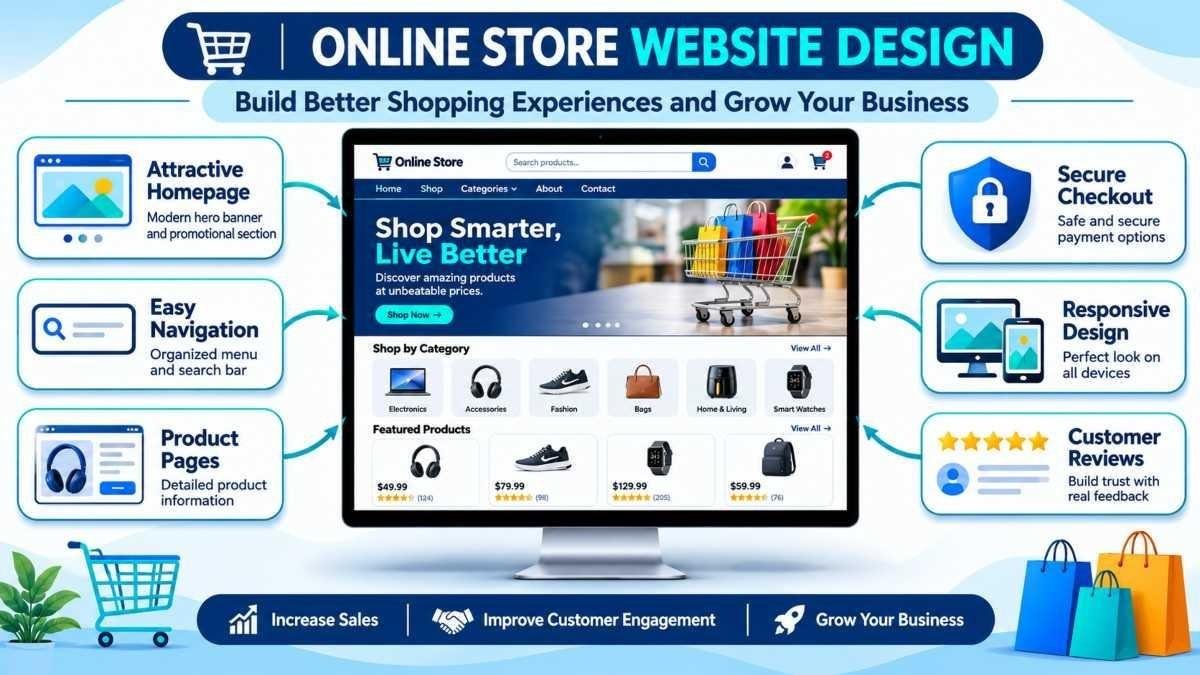
Professional online store website design combines an attractive homepage, organized navigation, product pages, secure checkout, and responsive layouts to deliver a seamless shopping experience.
The design of an online store is not simply a matter of aesthetics. It is the architecture that determines whether a customer who arrives on the website will find what they are looking for, trust the business enough to share their payment details, and complete a purchase — or leave within seconds and never return.
In e-commerce, website appearance and website functionality are inseparable. A visually attractive store that is difficult to navigate loses customers. A well-structured store with poor visual presentation fails to build the trust that online purchasing requires. Online store website design brings these two dimensions together — creating shopping environments that are both compelling and easy to use.
Businesses that want to compete effectively online need more than a template. They need a website built around their products, their customers, and their commercial objectives. The professional website design services available to businesses today make it possible to achieve exactly that — a store that looks impressive, functions reliably, and actively converts visitors into buyers.
This guide covers the essential elements of professional online store website design, the most common mistakes to avoid, and the practical steps for building an e-commerce website that grows alongside the business it represents.
What Is Online Store Website Design?
Online store website design is the practice of planning, visually presenting, and structuring a website built for e-commerce — the sale of products or services directly to customers through a browser. It encompasses every design decision that affects how visitors experience the store, from the layout of the homepage to the final confirmation screen after a purchase.
The difference between a standard business website and an e-commerce website is the addition of transactional architecture. A business website communicates information and builds brand awareness. An online store must do all of that while also presenting products persuasively, managing shopping carts, processing payments securely, and guiding customers through a purchasing journey that may involve numerous decisions and interactions.
Combining visual design with functionality is the central challenge of online store website design. The store must look professional enough to build immediate trust, be organized clearly enough for customers to find products without effort, and function reliably enough for every transaction to complete without friction. When these three qualities work together, the result is a shopping experience that feels effortless — which is precisely what converts browsers into buyers.
Essential Elements of a Professional Online Store Website
Every high-performing online store is built on a consistent set of design elements that each serve a specific purpose in the customer's journey. Together, these elements create a shopping experience that feels intuitive, trustworthy, and rewarding.
Attractive Homepage Design
The homepage is the first page most visitors encounter and the page that most powerfully shapes their impression of the brand. A professional online store homepage uses a large, visually compelling hero banner to communicate the store's identity and primary promotional message immediately. Clear headings, prominent calls to action, and featured product sections give visitors multiple entry points into the catalogue, while a well-structured layout guides the eye naturally toward the most important content.
Promotional sections — seasonal offers, new arrivals, bestsellers — are most effective when they are visually distinct and positioned where visitor attention is highest: in the first screenful of content, before scrolling is required.
Easy Navigation and Product Categories
Navigation is the backbone of an online store's usability. When customers can find what they are looking for quickly and without confusion, they spend more time exploring products and less time wondering where to look. A professional online store uses an organized main navigation menu that presents top-level categories clearly, with dropdown sub-menus that reveal more specific options without overwhelming the visitor.
Search functionality is equally important. A prominently placed search bar with real-time suggestions, spelling tolerance, and filtered results serves customers who know exactly what they want. Clear product categorization — organized logically around how customers think about the products rather than how the business organizes its inventory — reduces the number of steps between arriving on the site and finding the right product.
Professional Product Pages
The product page is where purchase decisions are made. Its design directly influences whether a visitor adds an item to their cart or continues browsing. High-quality product photography — multiple angles, zoom functionality, and lifestyle images showing the product in use — is the single most important element of an effective product page. Customers cannot touch or try the product; photography must compensate for that.
Product descriptions and specifications must be comprehensive enough to answer every question a customer might have before buying. Pricing must be displayed clearly and without ambiguity. Customer ratings and reviews provide the social proof that many customers require before committing to a purchase, particularly from a store they have not bought from before. Effective e-commerce website development ensures all of these elements are presented in a layout that is both visually clean and functionally complete.
Shopping Cart and Secure Checkout
The checkout experience is where e-commerce design has its most direct and measurable impact on revenue. Cart abandonment — adding items to a cart and then leaving without buying — is one of the most significant and persistent problems in online retail, and poorly designed checkout flows are one of its leading causes.
A professional online store checkout includes a clean cart layout with a clear order summary, easy quantity adjustment, and a visible subtotal. Multiple payment options — credit and debit cards, PayPal, Apple Pay, buy-now-pay-later services — reduce friction for customers whose preferred payment method might not otherwise be available. The checkout form itself should ask only for essential information, present fields in a logical order, and clearly indicate progress through the process. Trust signals — security badges, SSL indicators, and clear return policy links — displayed at the checkout reduce the final moments of purchase hesitation.
Responsive and Mobile-Friendly Design
The majority of online shopping now happens on smartphones. A store that has not been fully optimized for mobile devices is not simply delivering a poor experience to some visitors — it is actively losing a significant proportion of its potential revenue to competitors whose stores work correctly on small screens.
Responsive online store website design ensures that every element of the shopping experience — navigation, product images, descriptions, cart, and checkout — adapts correctly to any screen size. Mobile-friendly layouts use touch-optimized buttons and form controls, vertically stacked product grids, collapsible navigation menus, and streamlined checkout flows that minimize the amount of typing required on a small keyboard. The web page layout design principles that govern effective responsive layouts emphasize simplicity, hierarchy, and touch accessibility above all else.
How Website Design Improves Customer Experience
The relationship between online store website design and customer experience is direct: every design decision either makes the shopping journey easier or harder. Stores that consistently deliver better experiences generate more repeat visits, higher average order values, and stronger word-of-mouth recommendations.
-
Better website usability — When navigation is logical, search is effective, and pages load quickly, customers spend their energy choosing products rather than figuring out how to use the website.
-
Improved product discovery — Strategic use of related product recommendations, recently viewed items, and curated collections exposes customers to products they might not have found through direct search, increasing the average number of items considered per visit.
-
Faster purchasing processes — Streamlined cart and checkout flows — with saved addresses, remembered payment methods for returning customers, and minimal form fields — reduce the time between deciding to buy and completing the purchase.
-
Increased customer confidence — Professional design communicates reliability. A well-structured, visually consistent, error-free shopping experience signals to customers that the business is competent, established, and trustworthy — qualities that matter enormously when handing over payment details to an unfamiliar retailer.
Common Online Store Website Design Mistakes
The difference between an online store that converts reliably and one that consistently underperforms often comes down to a small number of avoidable design errors. These are the mistakes with the most direct impact on sales performance.
-
Complicated navigation — Navigation menus with too many options, unclear category names, or inconsistent structures prevent customers from finding products efficiently. If a customer needs more than three clicks to reach a specific product from the homepage, the navigation needs simplification.
-
Poor-quality product images — Low-resolution, inconsistently lit, or single-angle product photographs undermine customer confidence and dramatically reduce conversion rates, particularly for clothing, furniture, accessories, and other visually dependent categories.
-
Slow-loading pages — Every additional second of load time increases bounce rates and decreases conversion rates measurably. Oversized images, excessive scripts, and unoptimized code are the most common causes of performance problems in online stores.
-
Confusing checkout processes — Multi-page checkouts with excessive form fields, mandatory account creation before purchase, and costs that only appear late in the process are the leading drivers of cart abandonment. The checkout should feel like the easiest part of the shopping journey, not the hardest.
-
Lack of mobile responsiveness — Layouts that overflow on small screens, text that requires pinching to read, and buttons too small to tap accurately all create a frustrating mobile experience that sends customers elsewhere.
How to Build an Effective Online Store Website
Building a high-performing online store requires a structured approach that addresses both the visual design and the underlying functionality before the first product page is published.
-
Identify your target audience — understand who your customers are, what devices they use, what products they are looking for, and what concerns might prevent them from completing a purchase. This information shapes every design decision that follows.
-
Plan website structure — map out all pages (homepage, categories, product pages, cart, checkout, account, contact) and define the navigation hierarchy before any design work begins. The structure should reflect how customers think about your products, not how they are organized in your warehouse.
-
Select appropriate e-commerce functionality — determine which platform or development approach best matches your product catalogue complexity, integration requirements, and long-term scalability needs. The functionality must support the experience you are designing for.
-
Design product and category pages — invest in professional product photography and write descriptions that answer every customer question. Category pages should include meaningful filters, sorting options, and clear product card layouts with consistent presentation.
-
Optimize performance and mobile usability — compress all images, minimize scripts, implement lazy loading, and test the complete shopping journey on multiple mobile devices and screen sizes before launch.
-
Test the complete shopping experience — walk through every step from landing on the homepage to receiving the order confirmation email. Identify and resolve any friction points, error states, or confusing interactions before the store is accessible to customers.
Conclusion
Online store website design is one of the most direct determinants of e-commerce success. A professional store that is visually compelling, logically organized, easy to navigate, and reliable at checkout does not just provide a better customer experience — it generates more sales, more repeat visits, and stronger long-term brand loyalty.
The essential elements covered in this guide — attractive homepage design, organized navigation, professional product pages, streamlined checkout, and responsive mobile layouts — are not optional features or premium upgrades. They are the baseline requirements for any online store that aims to compete effectively in the current digital retail environment.
Usability, responsiveness, and security are the three qualities that customers judge an online store by most quickly and most harshly. Businesses that invest in getting all three right from the start build a foundation that supports growth, sustains customer trust, and delivers consistent commercial results. For businesses ready to build or improve their online store with professional guidance and technical expertise, working with Apso Tech ensures every element of the store is designed, developed, and optimized to perform.


